
Humankind 2 Playtest Sign-Up (Insiders) & PC Requirements
How to join the Humankind 2 Insiders Program closed playtest on Steam, plus verified Minimum and Recommended PC system requirements (RAM, GPU, CPU, storage).
Frequently Asked Questions
How do I sign up for the Humankind 2 playtest?
Is the Humankind 2 Insiders playtest free?
Can my PC run Humankind 2?
Does Humankind 2 run on Steam Deck or macOS?
How much storage space does Humankind 2 require on PC?
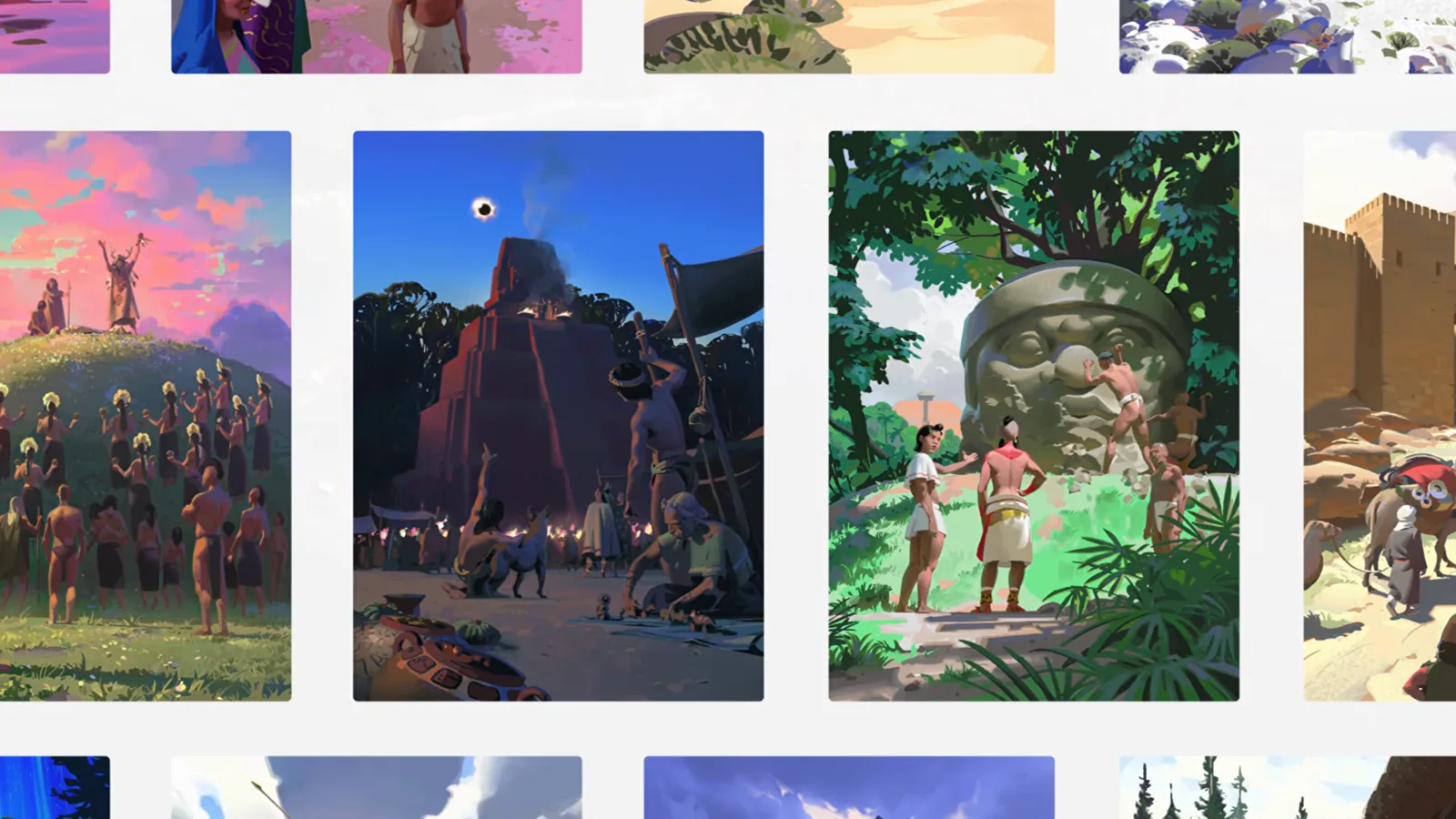
How to Join the Humankind 2 Insiders Playtest Program
Alongside the October 15, 2026 First Gameplay Overview, Game Director Benoît Hembert and Narrative Director Jeff Spock announced that applications for the HUMANKIND 2 Insiders Program have officially reopened.
Amplitude Studios has a long tradition of co-developing its 4X strategy titles with community testers through its Amplifier (formerly Games2Gether) platform. During the development of the original Humankind and Endless Legend, OpenDev and Insiders participants tested early era mechanics, combat balance, and UI flows months before retail release.
Step-by-Step Insiders Registration Guide
- Create or Log Into Your Amplifier Account: Visit the official Amplitude community portal linked from the HUMANKIND™ 2 Steam announcement hub (
store.steampowered.com/app/2581850/HUMANKIND_2/). - Link Your Steam Profile: Connect your Steam account in your Amplifier profile settings so Amplitude can automatically grant playtest branch entitlements to your library when your wave is selected.
- Complete the 4X Strategy Player Survey: Fill out the short Insiders questionnaire detailing your experience with 4X strategy games (Humankind, Endless Legend, Civilization, Old World, Millennia) and your PC hardware specs.
- Watch for Wave Invitations & NDA Guidelines: Playtest invites are distributed in cohorts as specific modules—such as Historical Mode & First Tales or the Era Crossroads & Customs—enter balance testing. Note that early Insiders builds typically require agreeing to a Non-Disclosure Agreement (NDA).
Verified Humankind 2 PC System Requirements (Minimum & Recommended)
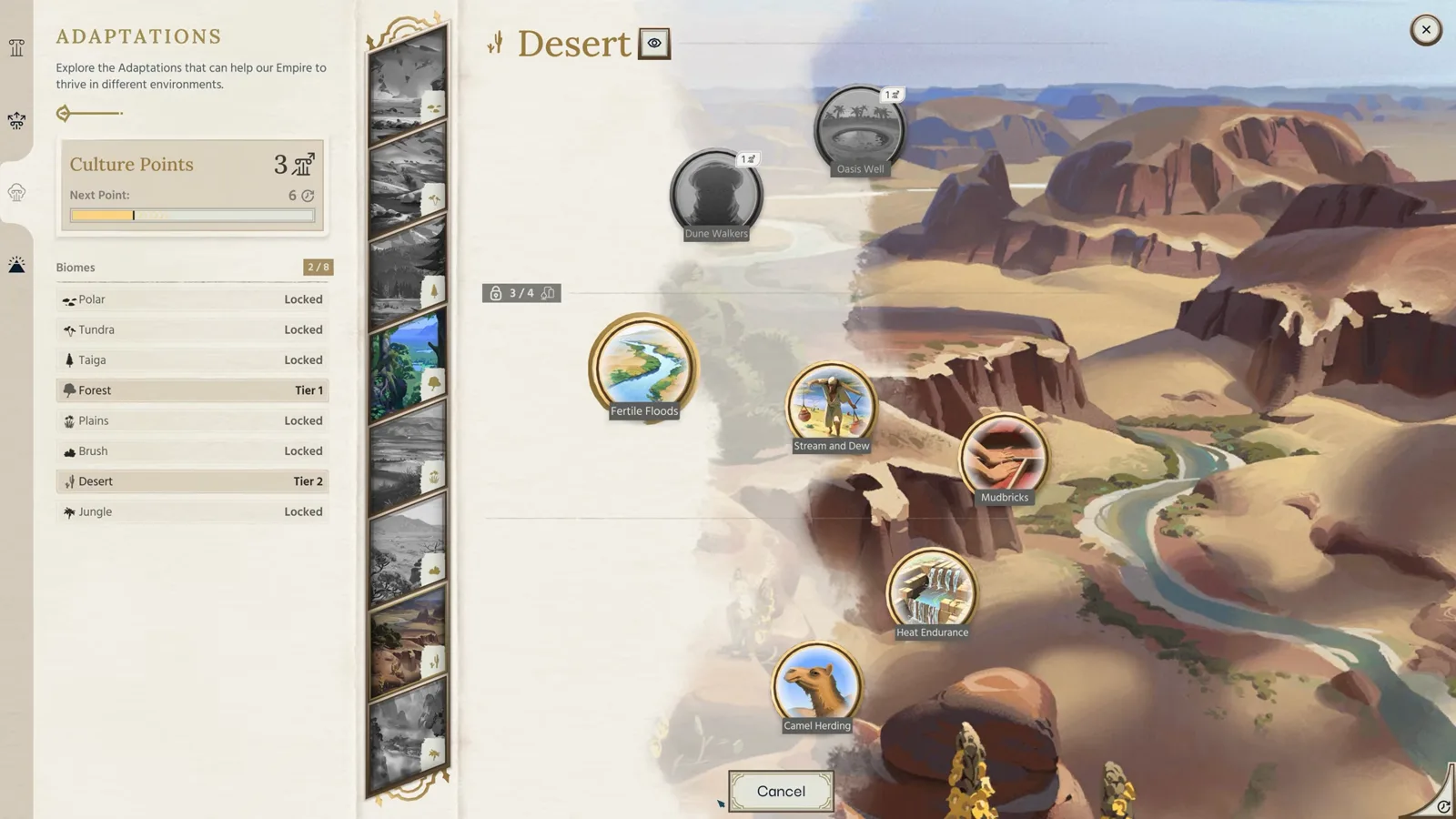
Amplitude Studios has published the official Minimum and Recommended PC hardware specifications for Humankind 2 on Steam. Despite the major visual upgrade to hex terrain fidelity, river valley elevation, and 8 Biome Adaptations, the engine remains remarkably well-optimized for mid-range gaming PCs and laptops:
| Hardware Component | Minimum Specifications (1080p Standard) | Recommended Specifications (High / Large Maps) |
|---|---|---|
| Operating System | Windows 10 (64-bit) | Windows 11 (64-bit) |
| Processor (CPU) | Intel Core i5-4430 or AMD FX-8350 | Intel Core i7-6700 or AMD Ryzen 5 1500X |
| Memory (RAM) | 8 GB RAM | 12 GB RAM |
| Graphics Card (GPU) | NVIDIA GeForce GTX 960 (4 GB) or AMD Radeon RX 5500 XT (8 GB) | NVIDIA GeForce GTX 1070 (8 GB) or AMD Radeon RX 5700 XT (8 GB) |
| DirectX Version | DirectX Version 11 | DirectX Version 12 |
| Storage Space | 20 GB available space | 20 GB available space (SSD recommended for turn times) |

Hardware Optimization Tips for Late-Era 4X Campaigns
In any historical 4X game featuring 70 Playable Cultures and up to 10 simultaneous AI empires, hardware bottlenecks shift from GPU rendering in the Ancient Era to CPU turn-time processing and VRAM allocation by the Industrial and Contemporary Eras. Here is how to prepare your rig:
- Why 8 GB VRAM Makes a Difference: Both recommended GPUs (
GTX 1070 8GBandRX 5700 XT 8GB) feature 8 GB of video memory. High-resolution biome textures—spanning arid deserts, dense timber forests, and polar ice sheets—plus dense urban district models benefit heavily from 8 GB VRAM at 1440p or 4K. - Install on an NVMe SSD: At only 20 GB of total install size, placing Humankind 2 on an NVMe SSD drastically reduces campaign load times, autosave stutters between turns, and high-res diplomacy/Crossroads screen transitions.
- DirectX 12 Multi-Threading: If your GPU supports DirectX 12 (Recommended spec), enable DX12 in settings to distribute draw calls across multiple CPU cores when zooming from street-level city views out to the global cartographic atlas.
Can You Run Humankind 2 on Steam Deck, Laptops, or Older GPUs?
Because Humankind 2 targets a remarkably accessible minimum baseline—an Intel Core i5-4430 / AMD FX-8350, 8 GB RAM, and a 4 GB GTX 960 running on DirectX 11—a wide range of mid-range gaming laptops and handheld PCs meet the entry threshold:
- Gaming Laptops (GTX 1650 / RTX 3050 / RTX 4060 Mobile): Any modern laptop GPU with at least 4 GB to 8 GB of dedicated VRAM clears the minimum and recommended GPU brackets comfortably at 1080p. Make sure your laptop is plugged into AC power and set to High Performance mode so the CPU sustains boost clocks during AI turn resolution across Historical Mode campaigns.
- Steam Deck & Handheld PCs (Proton / SteamOS): While Amplitude Studios has only officially listed Windows 10/11 64-bit requirements on Steam so far, the DirectX 11 minimum path and modest 20 GB storage footprint make the game well-suited for Proton translation layers on handheld APUs with 16 GB unified memory. Capping frame rates to 40 FPS and lowering shadow/water reflection quality preserves battery life during long Culture Evolution & Crossroads sessions.
- Troubleshooting Insiders Playtest Sign-Ups: If your Amplifier dashboard shows your application as pending, verify that your linked Steam account is set to Public temporarily so the hardware survey and playtest entitlement script can validate your library, and check our Active Codes & Rewards Tracker for the latest community badge drops.
Official Walkthrough Videos

Related Chronicles
codes
Humankind 2 Codes, Amplifier Rewards & Roblox Codes (Oct 2026)
Claim verified Humankind 2 rewards in October 2026: PC Amplitude Amplifier account drops, Steam Insiders playtest keys, and 3 active Roblox promo codes.
guides
Humankind 2 Release Date, Gameplay Overview & Editions
When does Humankind 2 release? Full 2027 Steam launch window, Oct 15 Gameplay Overview walkthrough analysis, Historical Mode, 70 cultures, and system specs.
guides
Humankind 2 vs Civilization 7: Key Differences Compared
Compare Humankind 2 vs Sid Meier Civilization VII across 8 core 4X pillars: 6 Eras vs 3 Ages, 70 playable cultures, optional Crossroads, and Earth biomes.
Was this chronicle helpful?
Thanks for your feedback!